As an Amazon Associate, we earn from qualifying purchases. Some links on this site are affiliate links at no extra cost to you. Our recommendations are based on thorough research and editorial judgment.


Color Gamuts Explained: sRGB vs. Adobe RGB

Color gamuts show us the range of colors devices can display, which is important for accurate images. sRGB covers about 35% of the visible spectrum and is perfect for web use, ensuring color consistency. Adobe RGB, on the other hand, offers a wider range, roughly 50%, and is ideal for print, especially for vibrant greens and blues. Knowing when to use each can improve our projects. Let’s explore these differences further to enhance our understanding.
Key Takeaways
- sRGB covers 35% of the visible spectrum and is ideal for digital media and online sharing.
- Adobe RGB extends color coverage to 50%, enhancing greens and blues for high-quality print work.
- sRGB maintains color consistency across devices, essential for web design and everyday photography.
- Converting from Adobe RGB to sRGB preserves quality, but the reverse can lead to color loss.
- Use Adobe RGB for prints and sRGB for online content to optimize color representation in projects.
What Is a Color Gamut and Why Does It Matter?
You may be interested


A color gamut is basically like a toolbox filled with colors that your device can actually display or print. It tells you how wide the range of colors can be. For instance, sRGB only covers about 35% of the visible spectrum, while Adobe RGB pushes that up to around 50%, giving a nice boost to greens and blues. So, why does this matter?
If you’re into photography or digital arts, understanding these differences is crucial for getting the color just right. When you work on color management, you’re ensuring that the colors look the same on different devices, whether you’re sharing online or printing photos. But watch out when converting images between different gamuts; if you’re not careful, you could end up with color distortion.
Here’s the trick: pick the right color gamut based on what you’re doing. If you’re aiming for vibrant prints, Adobe RGB might serve you better. On the other hand, sRGB is probably fine for web usage. Keeping this in mind can help you achieve some impressive visual results in your projects. Additionally, using tools with organized packaging can support a more efficient creative workflow.
In short, knowing about color gamuts can save you from a lot of frustration down the line. Have you thought about how color accuracy impacts your own work?
Key Features of sRGB and Best Use Cases
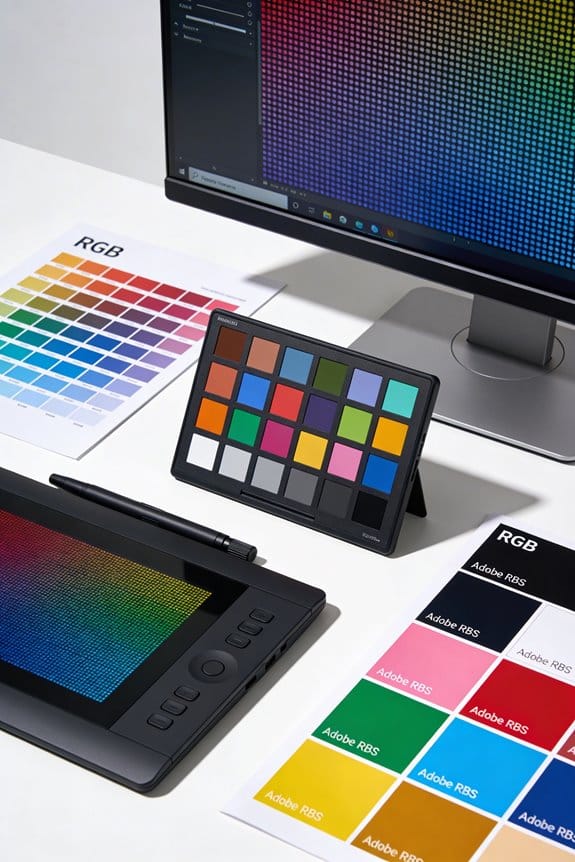
Ever looked at photos on different screens and wondered why they sometimes look off? If that’s the case, you’re not alone. Color accuracy can be a real headache, and that’s where sRGB comes in. Created back in 1996, sRGB covers 97% of the colors we typically see in digital media. This makes it the go-to color space for digital displays, ensuring your images remain consistent across different devices.
Here’s the trick: sRGB is widely used in web design and social media because it keeps images looking sharp and true to life. It’s particularly handy if you’re sharing photos or graphics online. While sRGB doesn’t have quite the same expansive color range as Adobe RGB, it’s more than enough for most everyday photography. Most cameras are set to operate in sRGB mode, so you might as well stick with it for standard shots.
If you’re just looking to create quality digital images for your blog or social media, sRGB is a solid choice. Think about it—when all your followers see the same vibrant colors you intended, that’s a win. And honestly, if you’re creating web content or sharing images online, being in sRGB makes your life a lot easier.
To sum it up, sRGB is reliable for anyone wanting consistent color across displays, especially if you’re not diving into professional photography. So, does a consistent color experience sound appealing for your projects? Many digital artists achieve the best results when working on devices with high resolution screens, which help display colors more sharply and vividly.
Recommended Products

【Enchanting Visual Symphony】 Immerse yourself in an enchanting visual symphony with the BenQ SW321C. Every pixel dances to the rhythm of your creativity, creating a spellbinding display that transcends the ordinary

27-inch wide gamut LCD with 3840x2160 resolution for the finest details.

ULTRA-PORTABLE LAPTOP — Boost your productivity and creativity with the Microsoft Multi-Touch Surface Laptop 6 for Business. Enjoy all day battery life up to 18.5 hours. The dedicated Copilot key and powerful NPU deliver instant AI assistance, enhancing efficiency and innovation for professionals on the move.
Why Is Adobe RGB Ideal for Professionals?
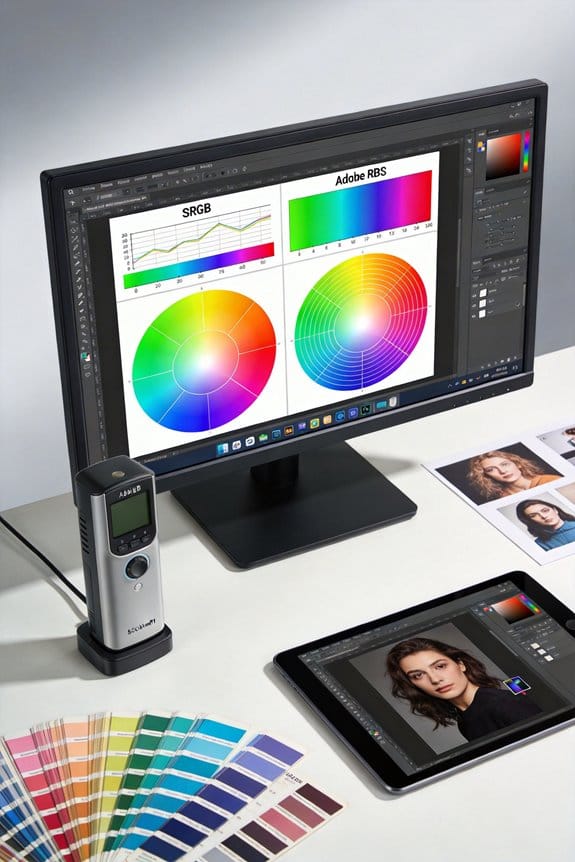
Have you ever looked at a print of your stunning photo and felt like something was off? That’s where Adobe RGB comes into play. This color space packs in about 35% more colors than the standard sRGB, which can make a huge difference in professional photography and high-quality printing.
Adobe RGB really shines when it comes to capturing those vibrant greens and blues. If you’re into product photography or creating fine art prints, you want your colors to pop. This wider color gamut helps you nail that perfect shade, ensuring your digital images look just as good when printed.
Want to know the best part? Because Adobe RGB aligns closely with the color range of CMYK printers, you’ll get a more accurate color representation in your prints. When doing post-production work, having that extra flexibility to tweak the colors without losing quality is super helpful.
Artists often use inks with high pigment concentrations and excellent lightfastness ratings to ensure color vibrancy and longevity in their work.
sRGB vs. Adobe RGB: Making the Right Choice
How do you choose between sRGB and Adobe RGB for your photography projects? It’s a common dilemma, especially if you want to make sure your images look great everywhere. sRGB covers about 35% of the visible color spectrum, making it the go-to choice for web and digital formats. It helps keep your colors consistent across different devices, which means you’re less likely to run into issues with color mismatch.
Adobe RGB, on the other hand, covers around 50% of the visible color spectrum. This wider range is particularly strong in greens and blues, which can make a huge difference in professional prints. If you’re aiming for high-quality prints that really pop, Adobe RGB might be the way to go. But here’s the thing: most of us share images online. For those projects, sRGB is typically the safest bet to ensure your colors remain true.
So, what about conversion? You can convert Adobe RGB to sRGB without losing much quality, but going the other way isn’t so easy. It’s a good idea to have that in mind when deciding which color space to start with.
In short, stick with sRGB for the web and go for Adobe RGB when prints are in play. Color consistency is key when working across different mediums.
Which color space are you leaning towards for your next project?
Recommended Products

OUT-OF-THIS-WORLD-COLORS: Our 5-Color Mixed Assortment of 24 lb paper is 20% thicker than regular paper and boasts vivid assorted colors for documents and projects that command attention You'll get a ream of 500 sheets each of Solar Yellow, Lunar Blue, Re-Entry Red, Cosmic Orange and Terra Green

The information below is per-pack only

【Various Pastel Colors】 5 delightful pastel colors and 120 sheets of each color. Pink, Light Blue, Light Green, Purple, Light Yellow. You'll have endless possibilities to create stunning and colorful projects
Tips for Effective Color Space Management in Your Workflow
Managing color space in your photography workflow can feel overwhelming, but it’s key to getting your colors just right. Ever tried printing a photo only to find it doesn’t look like what you saw on your screen? That’s where color space comes into play. If you’re aiming for print, go for Adobe RGB. This space gives you a wider range of colors, which means more detail when you’re editing your images.
Calibrating your monitor frequently is essential, too. Without this step, how can you trust that the colors you’re seeing are accurate? Invest in some color management tools. They can really help in making sure your colors transition smoothly across different devices.
When it comes time to share your work online, remember to convert your images to sRGB. It’s a must, but watch out—some of those vibrant colors could drop off during the conversion. After conversion, take a moment to review your images. You’ll likely need to tweak a few.
And don’t forget about your file management. Keep those original RAW files organized and safe. This way, you can easily adjust the color space later if you need to. Using an ICC profile can also simplify the process and keep things running smoothly.
For achieving vibrant coloration and smooth transitions, artists often rely on a low-binder formula that enhances color brilliance in their media.
Frequently Asked Questions
Should I Choose sRGB or Adobe RGB?
We should choose sRGB for its advantages in software compatibility and digital displays, but Adobe RGB offers benefits in color fidelity and printing quality, enhancing our workflow efficiency for image editing if we’re professional photographers.
Is 94% Adobe RGB Good?
Absolutely, 94% Adobe RGB is like having a vibrant palette at our fingertips. It offers remarkable color accuracy, enhances print reproduction, and surpasses sRGB limitations, benefiting professional photography and graphic design when calibrated correctly.
Are sRGB and Color Gamut the Same?
No, sRGB and color gamut aren’t the same. While sRGB serves specific needs in web design and digital art, understanding color profiles comparison, Adobe RGB benefits, and print production differences is essential for maintaining color accuracy in photography.
What Is the Color Gamut of Adobe RGB?
Adobe RGB covers a wider color spectrum, beneficial for printing applications but limited in display compatibility. It excels in workflows requiring precise color reproduction, especially in Adobe RGB vs. CMYK scenarios, ensuring ideal printing results.


